

Hi Erik,
Do you have any tips or tricks for the following with Simple Object Designer:
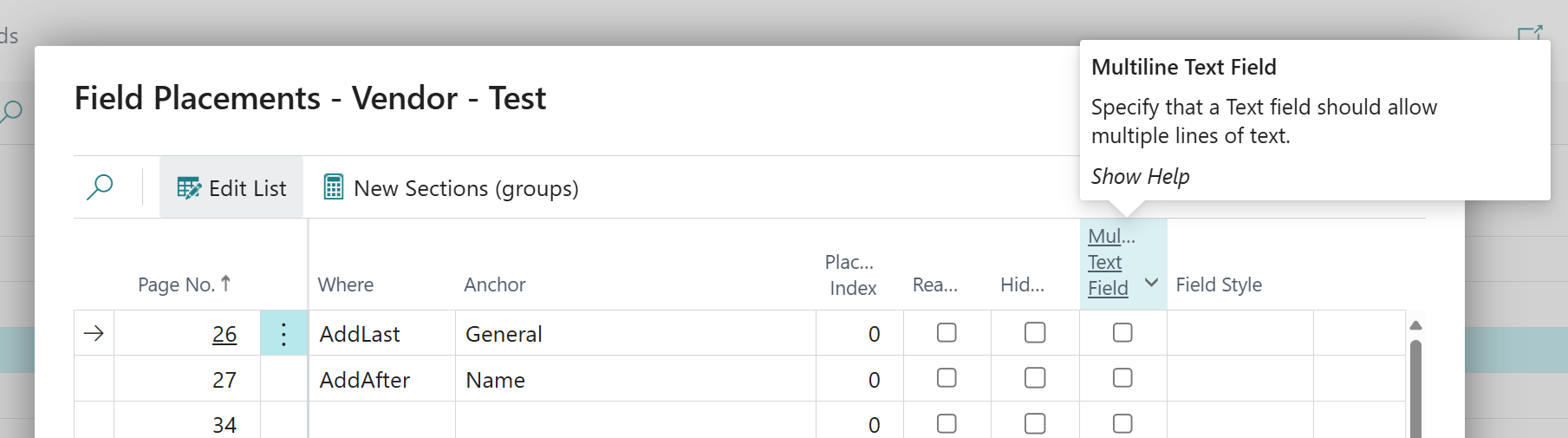
Multi-Line Text Fields: we have created a new text field with the maximum of 2000 characters, but it puts all of this into one standard small box (as shown below). Is there a way to get this spaced onto multiple lines using S.O.D? I have heard these referred to as ‘Blob’ fields before, but believe that is for attachments only in S.O.D?

Multi-Select Option Fields: we have also created some standard Option set fields, but is there a way you can select multiple options (almost like tagging)?
Best Regards,
Jack
hougaard Answered question



Thanks Erik.
Should this also work for multi-select on ‘Option’ set fields as well? I tried it yesterday and it still wants to force only one selection in the field.